Scheduled refreshes are great — until a deal closes two minutes after the last run. Our newest feature removes the wait: both G-Integrator for Zoho CRM and G-Integrator for Zoho Books now support webhooks. A webhook is a secret, token-protected URL for your spreadsheet. Any system that can make an HTTP request can call it, and G-Integrator re-runs your saved query templates and writes fresh Zoho data back into your sheet — within seconds.
Why webhooks?
Until now, you had two ways to update a sheet: click the add-on menu or wait for a scheduled workflow. Webhooks add a third, event-driven option. The moment something happens in your CRM or your books, the system that saw it first can tell your spreadsheet to refresh itself.
- No schedule needed. Data updates when the event happens, not at the top of the hour.
- Nothing to deploy. Refreshes run on the G-Integrator servers — they work even while the spreadsheet is closed.
- Formatting preserved. Your saved templates are re-run exactly as you built them.
- Works with everything. Zoho Workflow Rules, Zoho Flow, Zapier, Make, a cron job, a CI pipeline — even a browser bookmark.
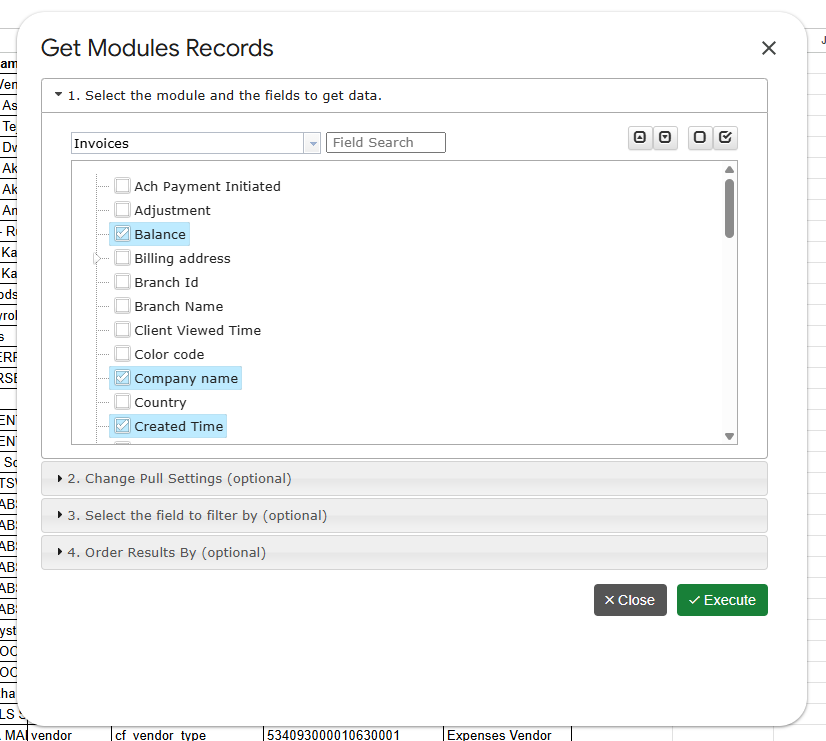
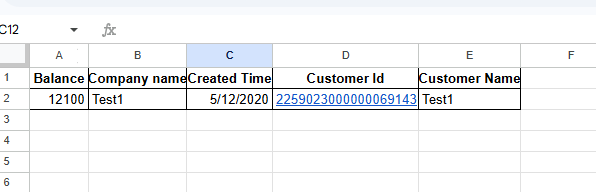
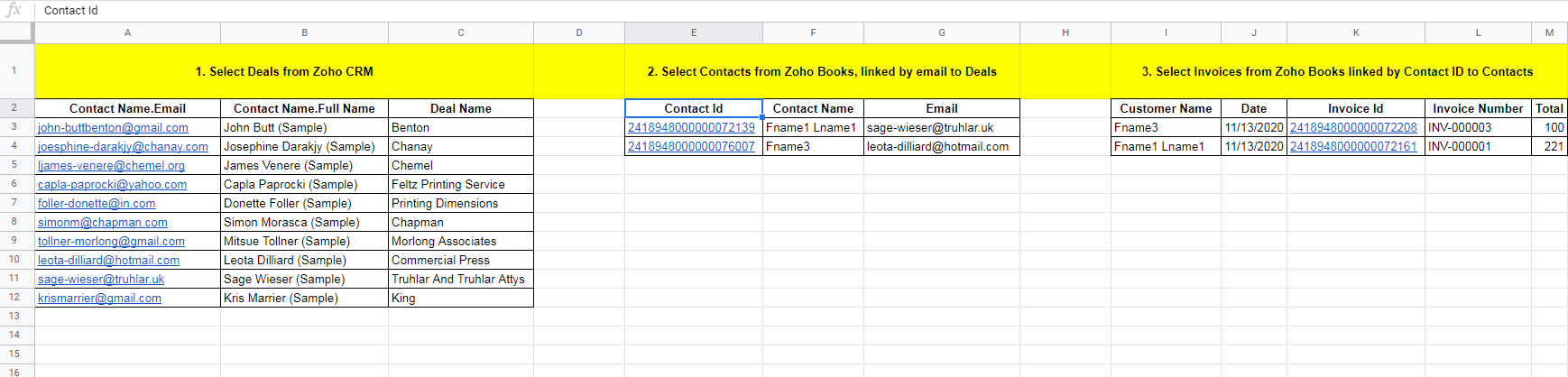
Webhooks refresh everything the add-ons can pull. For Zoho CRM that means module records, related lists, COQL queries, Zoho Analytics reports and the built-in CRM reports. For Zoho Books, all your saved query templates.
Setup takes a minute
- Open Automation… → Manage Webhooks in the add-on menu.
- Click Generate / Rotate Token — the dialog shows your webhook URL.
- Click Authorize Google (once per spreadsheet) so our server may write the refreshed values into your sheet.
- Pick a Run target: refresh all templates, or just one workflow’s templates.
- Click Copy URL and paste it into the system that should trigger the refresh.
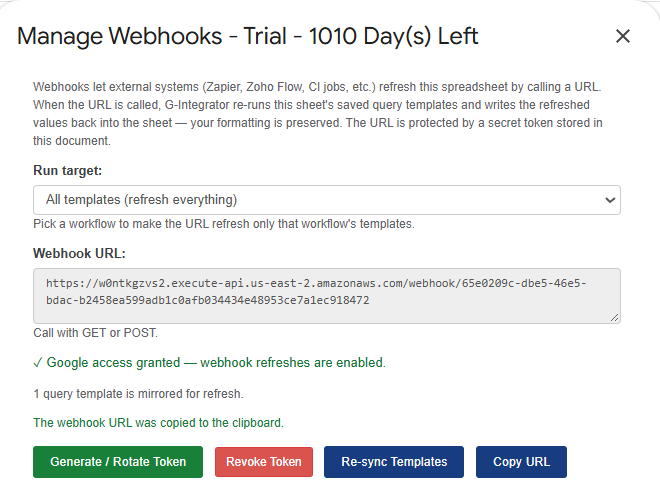
The URL supports both GET and POST, so it drops straight into a Zoho CRM Workflow Rule webhook action, a Zoho Flow step, or a one-line curl call. Add ?workflow=<workflow-uuid> to refresh only one workflow’s templates — the dialog builds that URL for you.
Real-life examples
- Deal won → dashboard updated. A Zoho CRM Workflow Rule on Stage = Closed Won calls the webhook, and your pipeline sheet reflects the win within seconds.
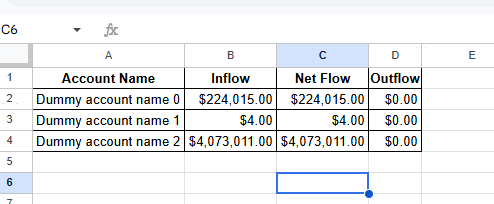
- Invoice paid → cash flow current. A Zoho Books automation fires on Invoice Status = Paid, and the accounts-receivable sheet updates itself.
- Meeting prep in one click. Keep the URL as a browser bookmark and click it before the Monday pipeline review or the month-end close.
- Dashboards that are never stale. Call the URL from your BI tool’s pre-run hook so Looker Studio always reads current data.
- Targeted refresh. After a campaign import or bank-feed categorization, refresh just that one workflow instead of the whole workbook.
Every run is logged in your sheet
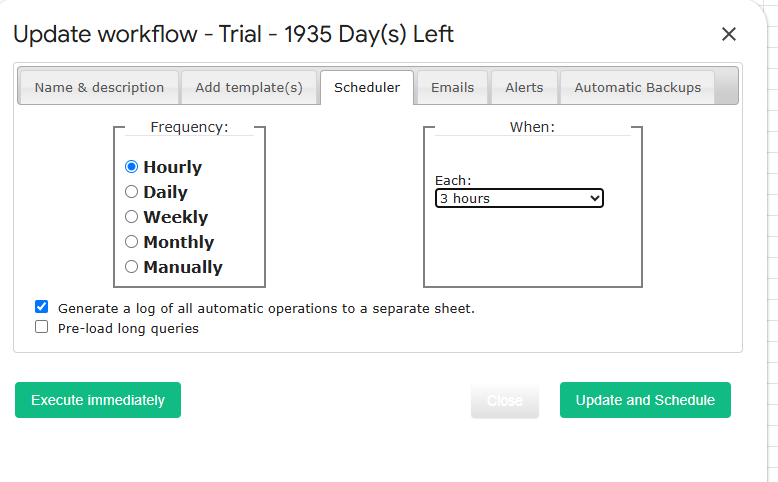
Each webhook run is recorded in the Automatic Operations Events Log tab — the same log used by scheduled workflows. You can verify that an external trigger fired, see exactly which sheets were updated, and diagnose failures without leaving the spreadsheet.

Secure by design
The token is the key. If the URL ever leaks, open Manage Webhooks and click Generate / Rotate Token — old URLs stop working immediately. You can also Revoke Token to disable the webhook entirely. Each webhook runs once per hour by default; calls over the limit are rejected without changing any data, and the JSON response tells you when to retry. Need it fresher? Tell us about your use case — we are considering a lower rate limit as a paid option.
Try it today
Webhooks are included in your Premium subscription at no extra charge. For the LITE subscription, you have two trial weeks. Open Automation… → Manage Webhooks in G-Integrator for Zoho CRM or G-Integrator for Zoho Books and connect your first trigger. Full details are in the help center: Zoho CRM webhooks and Zoho Books webhooks.