
Your customer says “I already paid.” Your books say otherwise. Meet MCP Integrator — and find out why without piecing together three dashboards.
The problem: the money trail crosses three systems
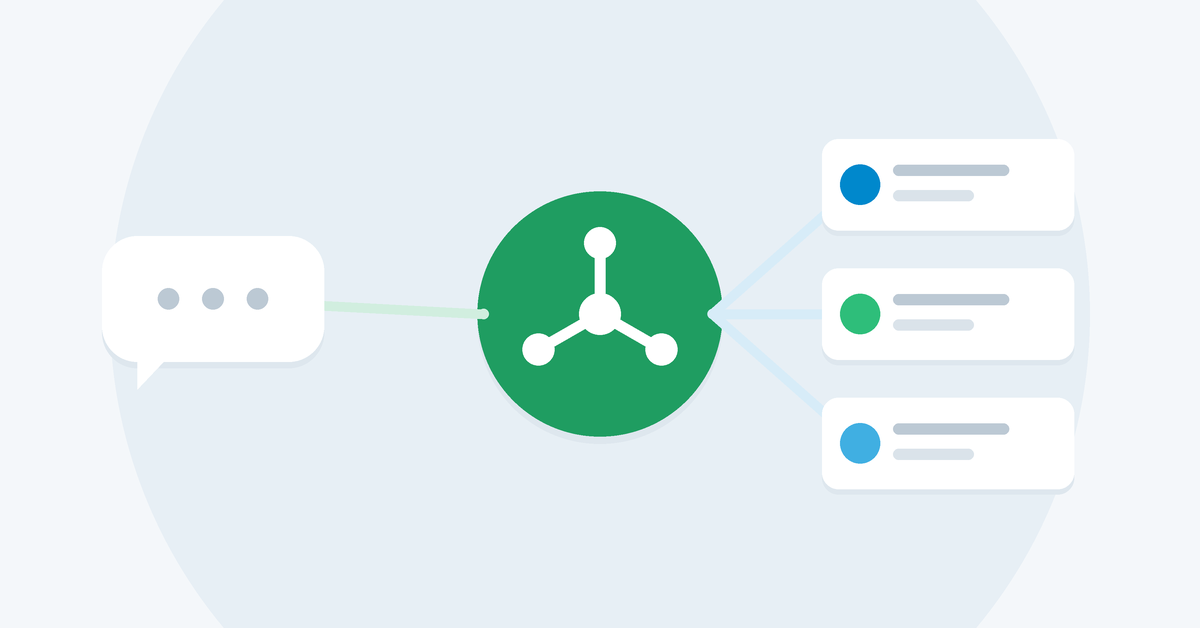
A typical accounts-receivable question — “She says she paid. Why is there still a balance? And what happened to her refund?” — rarely lives in one place. The order sits in WooCommerce, the payment and payout in Stripe, and the invoice in QuickBooks Online. Someone has to open all three, pick the right records, relate orders to payments, account for fees and refunds, and decide what remains unresolved.
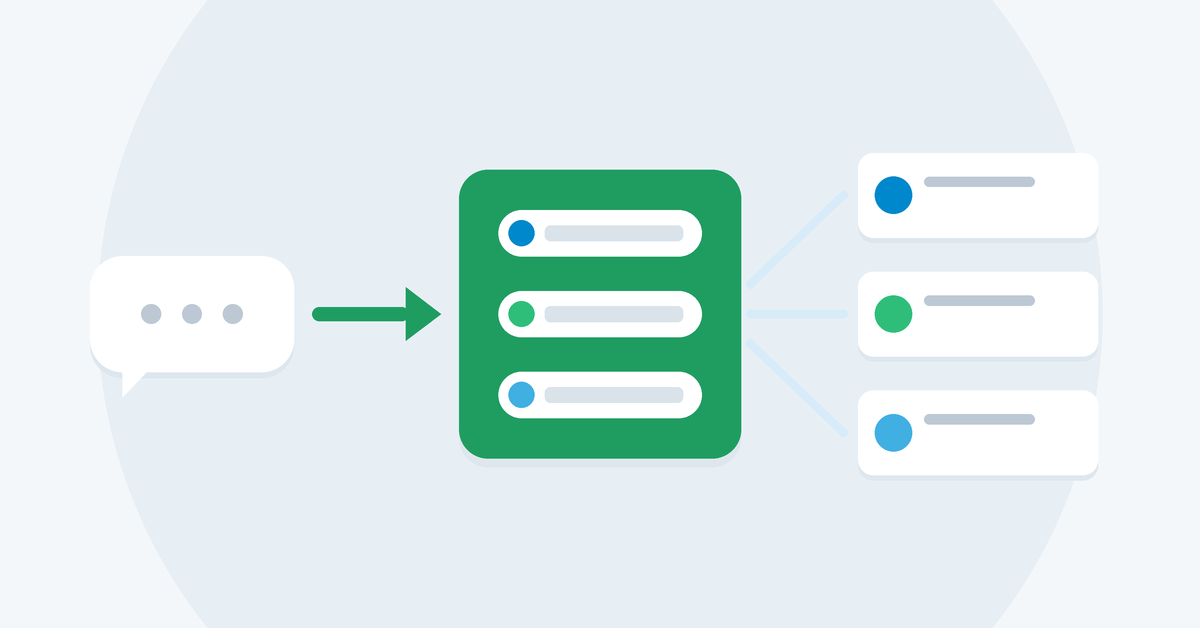
MCP Integrator moves that repeatable finance work into a shared tool layer that your AI assistant can use. You ask the question in plain language; the server coordinates the vendor lookups and returns structured evidence the AI can explain.
What is MCP, and why does it matter here?
MCP is the Model Context Protocol — the open standard that lets an AI client call external tools. Claude Desktop, VS Code / GitHub Copilot and Cursor all support it.
An AI client connected to three separate vendor MCP servers can query each platform, but it still has to invent the reconciliation workflow each time. MCP Integrator is different: it is one hosted MCP endpoint with purpose-built finance tools. There is no server for you to deploy, and the cross-system matching logic runs server-side.
Built for the questions that slow down your finance team
“What happened to the money for this order?”
Order financials. Start with a WooCommerce order number. Inspect order totals, payment transactions and refunds, including gateway names and transaction references — without switching between systems.
“Has this customer actually paid?”
Customer 360. Look up a customer by email to bring together commerce activity and invoice standing. Compare paid, partially paid and outstanding amounts before replying to a dispute. A partial payment that leaves an invoice open is a different story from a refund — and the evidence shows which one you are looking at.
“Why doesn’t this payout match the sales?”
Payout reconciliation. Compare supported Stripe payouts against transaction evidence. Review fees, refunds, matches and variances, with a proposed balanced journal entry. Reconciliation is propose-only — it never posts entries to QuickBooks. You stay in control.
“What still needs my attention before close?”
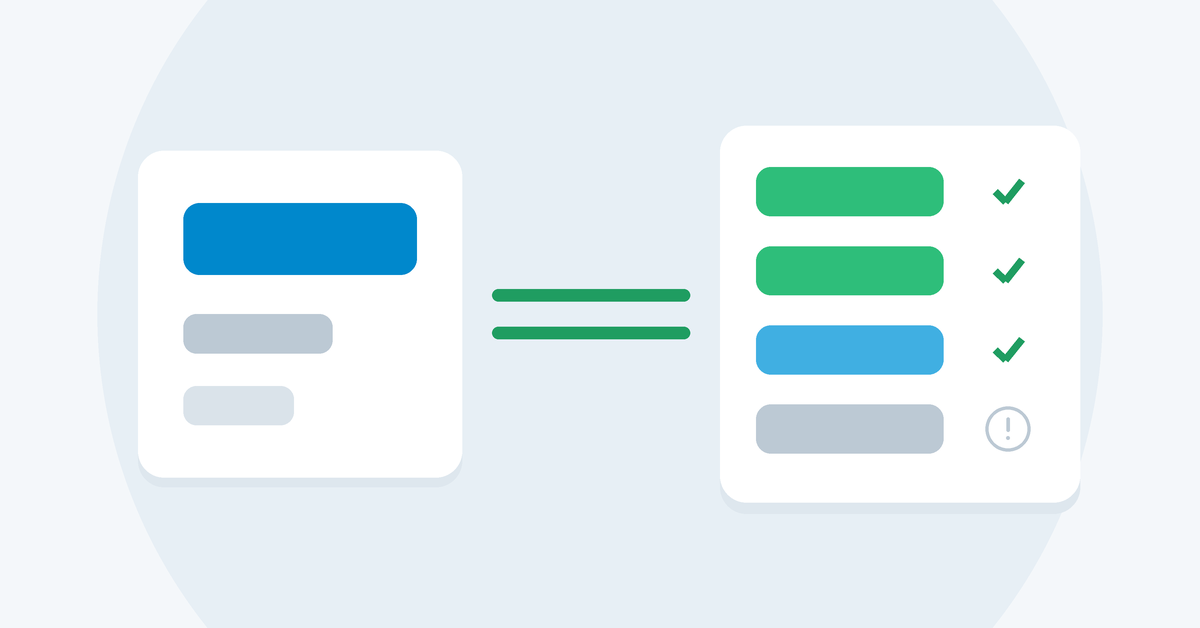
Run history & unresolved variances. Review stored unresolved payout variances for a date range, or inspect a past reconciliation run step by step — so you follow up on prior work instead of starting every investigation from scratch.
Security built in
- OAuth 2.1 for AI-client access — authorize vendor connections without pasting credentials into a chat.
- AES-256 encryption at rest for vendor tokens, HTTPS in transit.
- Workspace isolation keeps your vendor connections and finance data tenant-scoped.
Coming soon: Shopify and more
WooCommerce is just the start. Shopify support is coming soon, bringing the same order-to-payout investigation to Shopify stores — and we are evaluating additional commerce and accounting platforms to connect next. The finance workflow layer stays the same: one hosted MCP endpoint, the same tools, more of your stack covered.
Getting started takes three steps
- Connect your AI client. Add the hosted MCP endpoint and complete OAuth sign-in (your client must support remote, streamable-HTTP MCP with OAuth).
- Authorize your vendors. Link WooCommerce, Stripe and QuickBooks Online through the workspace connect page.
- Ask a finance question. Check connection status, then investigate an order, a customer or a payout.
Premium is available with monthly or annual billing and a 2-week free trial.
👉 Explore the product on the MCP Integrator page, follow the setup guide and demo walkthrough, or review pricing.
Spend less time assembling the story. More time resolving it.