
We’re excited to introduce the Shopify MCP connector in MCP Integrator. Shopify merchants can connect their store to a hosted finance workflow layer and ask their AI assistant questions about orders, customers, and payouts alongside their other connected systems.
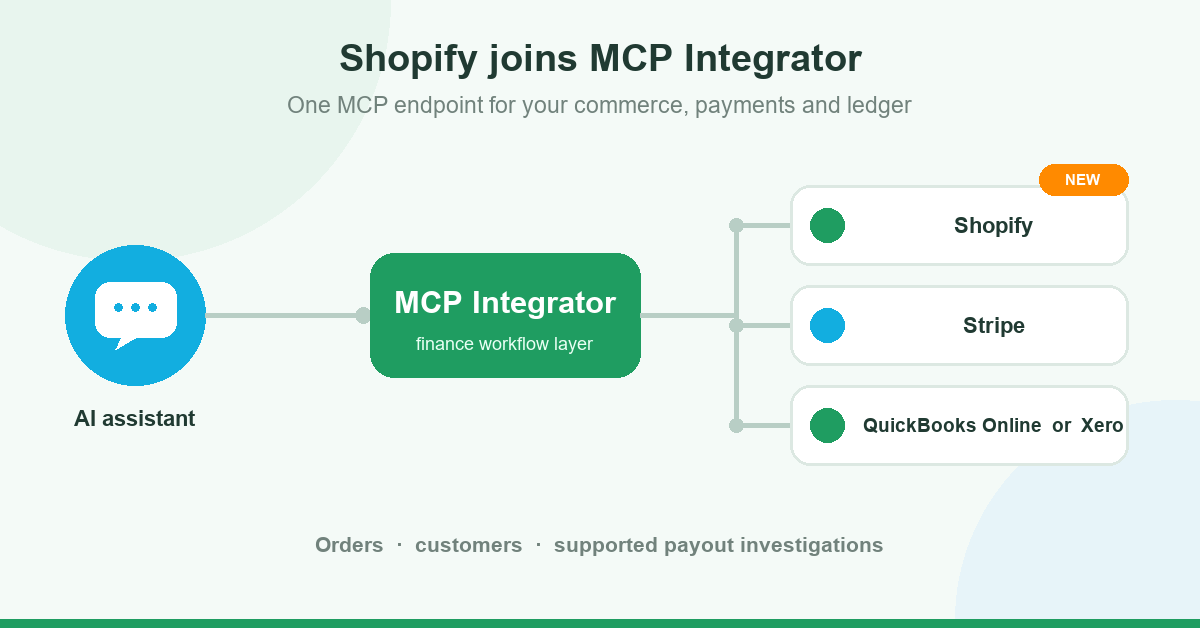
When a customer asks about a refund or a payout doesn’t match expectations, the answer often spans more than one dashboard. MCP Integrator helps your assistant bring the relevant evidence together, so your team can spend less time switching between systems and more time investigating what happened.
What the Shopify MCP connector can do
MCP Integrator connects a compatible AI client to purpose-built finance tools across Shopify or WooCommerce, Stripe, and your choice of QuickBooks Online or Xero. The server coordinates supported lookups and returns structured results for your assistant to explain.
With Shopify connected, you can start with a question instead of a collection of separate searches:
- Follow an order’s money trail. Investigate order financials, including payments and refunds, to help answer customer and support questions.
- See a customer’s wider picture. Look up a customer by email and bring together commerce activity and invoice standing from your connected ledger.
- Investigate payouts. Review supported payout reconciliations, including transaction evidence, fees, refunds, matches, and variances, with a proposed balanced journal entry.
- Keep track of follow-up. Review unresolved payout variances and use a run ID to inspect a reconciliation’s steps and outcome.
Results depend on available records and supported payment flows. Unsupported cases are flagged for follow-up rather than presented as reconciled.
Try asking your assistant
- “Are my finance connections healthy?”
- “Show me the financials for this Shopify order, including any refunds.”
- “What is this customer’s order and invoice standing?”
- “Which payout variances need my attention?”
Your compatible AI client provides the conversation; MCP Integrator provides the hosted tools. Connect the relevant vendors first, and check the returned evidence before making a decision.
Connect Shopify in a few steps
- Add the MCP Integrator server to your compatible AI client and complete the OAuth sign-in.
- Visit the vendor connections page and sign in with the same email used to authorize the MCP server.
- In the Shopify form, enter your shop domain, select Install app, and approve the installation in Shopify admin.
- Connect the other vendors you use, then ask your assistant to check connection status.
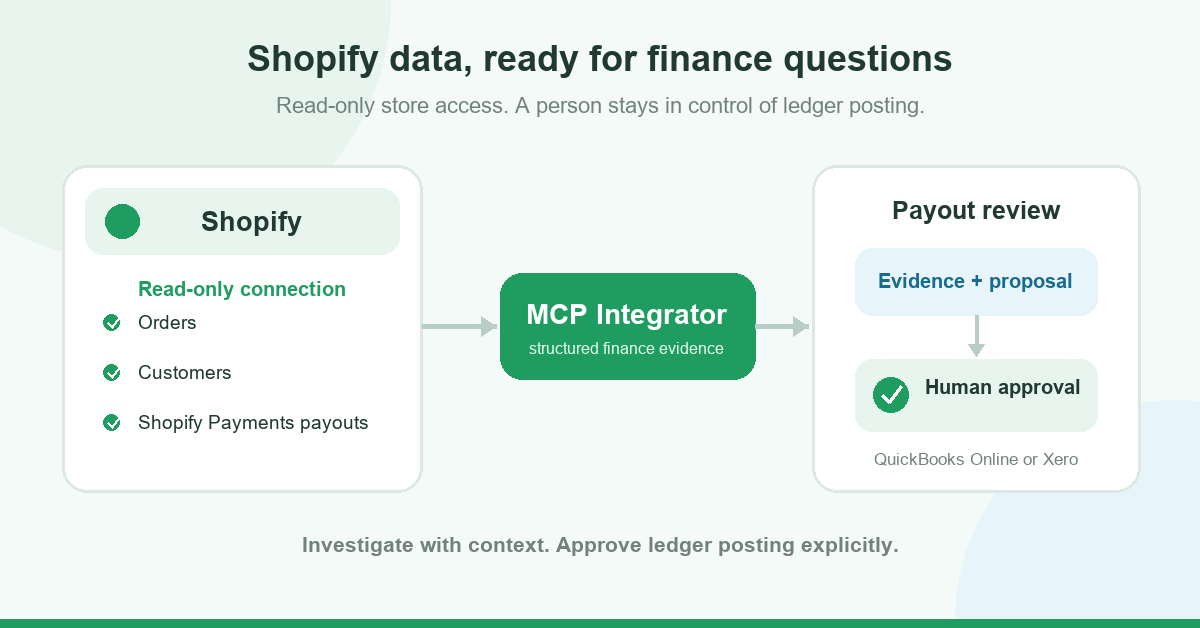
The Shopify app requests read-only access to orders, customers, and Shopify Payments payouts. You can disconnect it from the vendor connections page. See the connection guide for detailed instructions.
Keep a person in control
Reconciliation produces a proposal; it does not automatically post a journal. For supported reconciliations, posting to QuickBooks Online or Xero requires an explicit human approval and the appropriate account mappings. Learn more in the approval-gate guide.
Get started
Ready to bring Shopify into your finance investigations? Follow the setup guide, explore MCP Integrator, or review the available plans.